 TaskCookerTaskCooker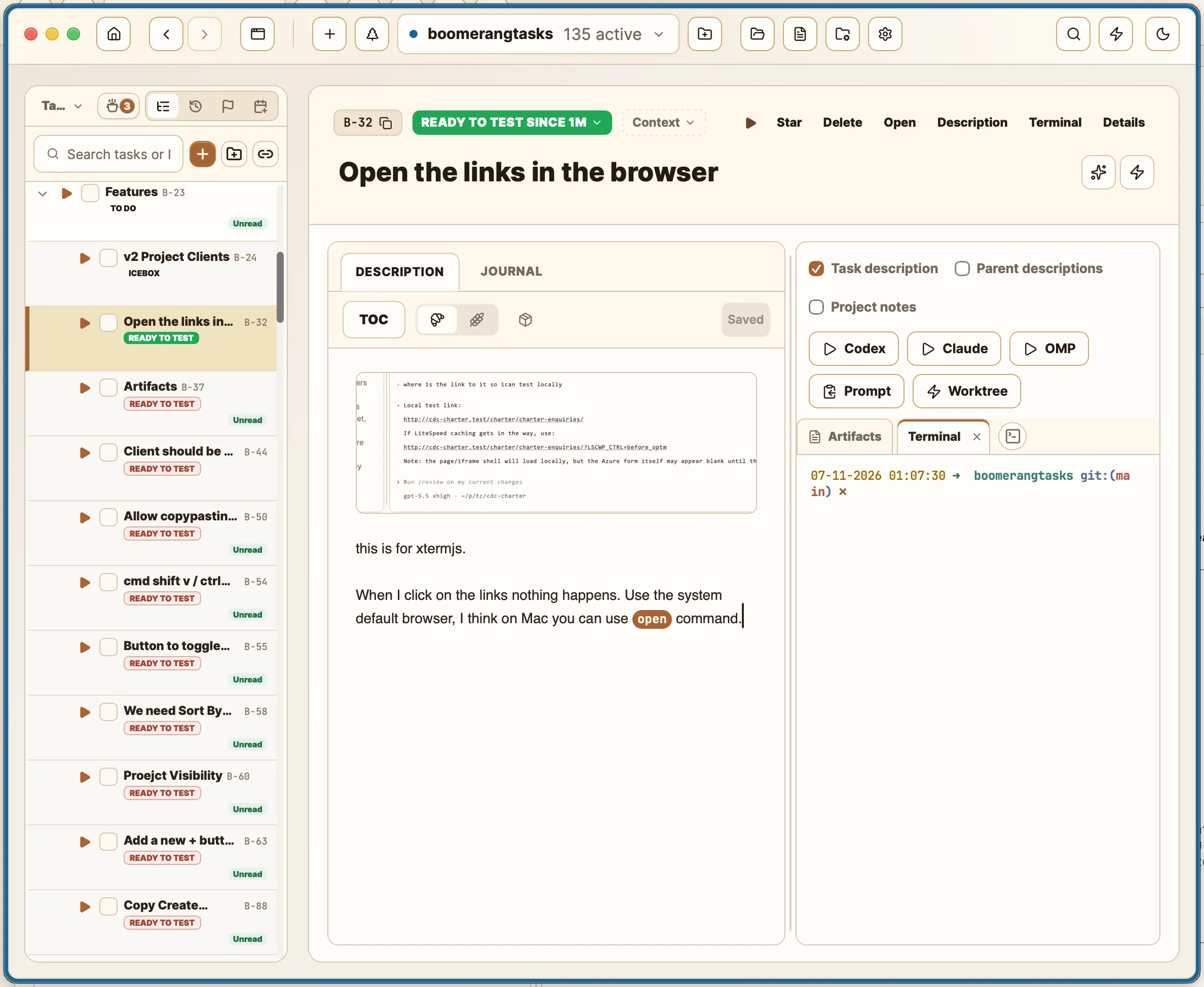
FREE & OPEN-SOURCE DESKTOP APP
A to do list app that cooks all your tasks for you.
macOS (Apple Silicon) · Windows x64 · Linux builds from source on GitHub
MIT-licensed · Built with TypeScript, React, Rust & Tauri · Works with the AI subscriptions you already pay for
I was running 20 to 40 terminal tabs across different worktrees. Burned out, anxious, staring blankly at the screen trying to remember where I was with each task.
There had to be a better way to get things done in the agentic world.
Mark, creator of TaskCooker
TaskCooker is that better way. It’s free, it’s open source, and it runs on any AI subscription you already have, like Claude Code.
HOW IT WORKS
01
Describe what needs doing, with images, rich text markdown, etc. the way you’d brief a colleague, - or have AI write the tasks for you based on a document, or tickets, etc.
02
Codex, Claude Code, anything with a CLI — whatever subscription you already have.
03
The task gets its own worktree, so an agent can’t destroy your whole app.
04
Agents report back through task states. Nothing finishes silently. Check and ensure each task is good!
FEATURES
THE BOARD
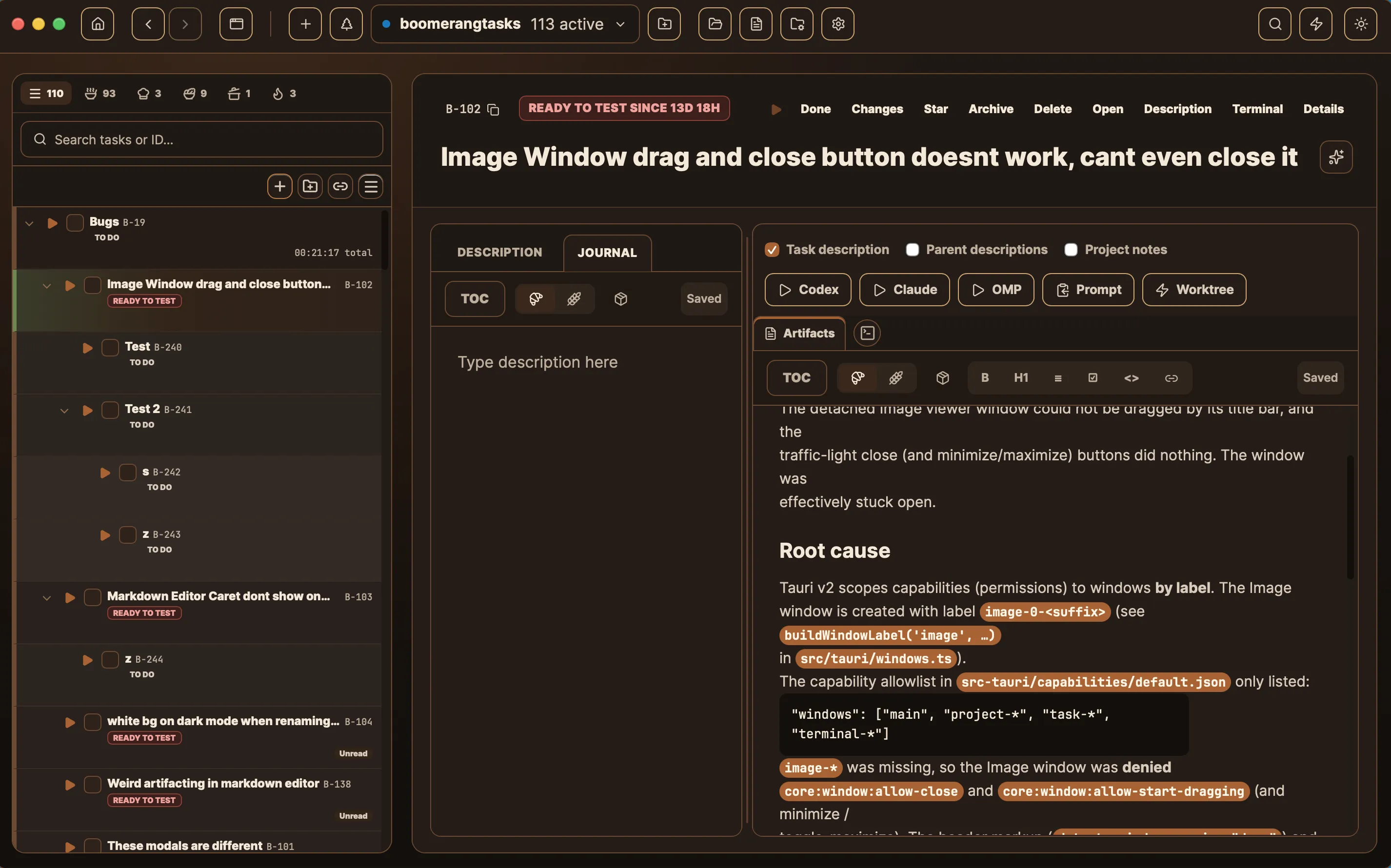
Divide and Conquer! Break work into subtasks!
Focus! Hide tasks that are already being worked on by AI or a human, so you can focus on what needs your attention!
Manage the Blockers! Set hard tasks to Blocked, so you know exactly which ones need a talented human developer’s hand, and get back to them later.
THE PANTRY
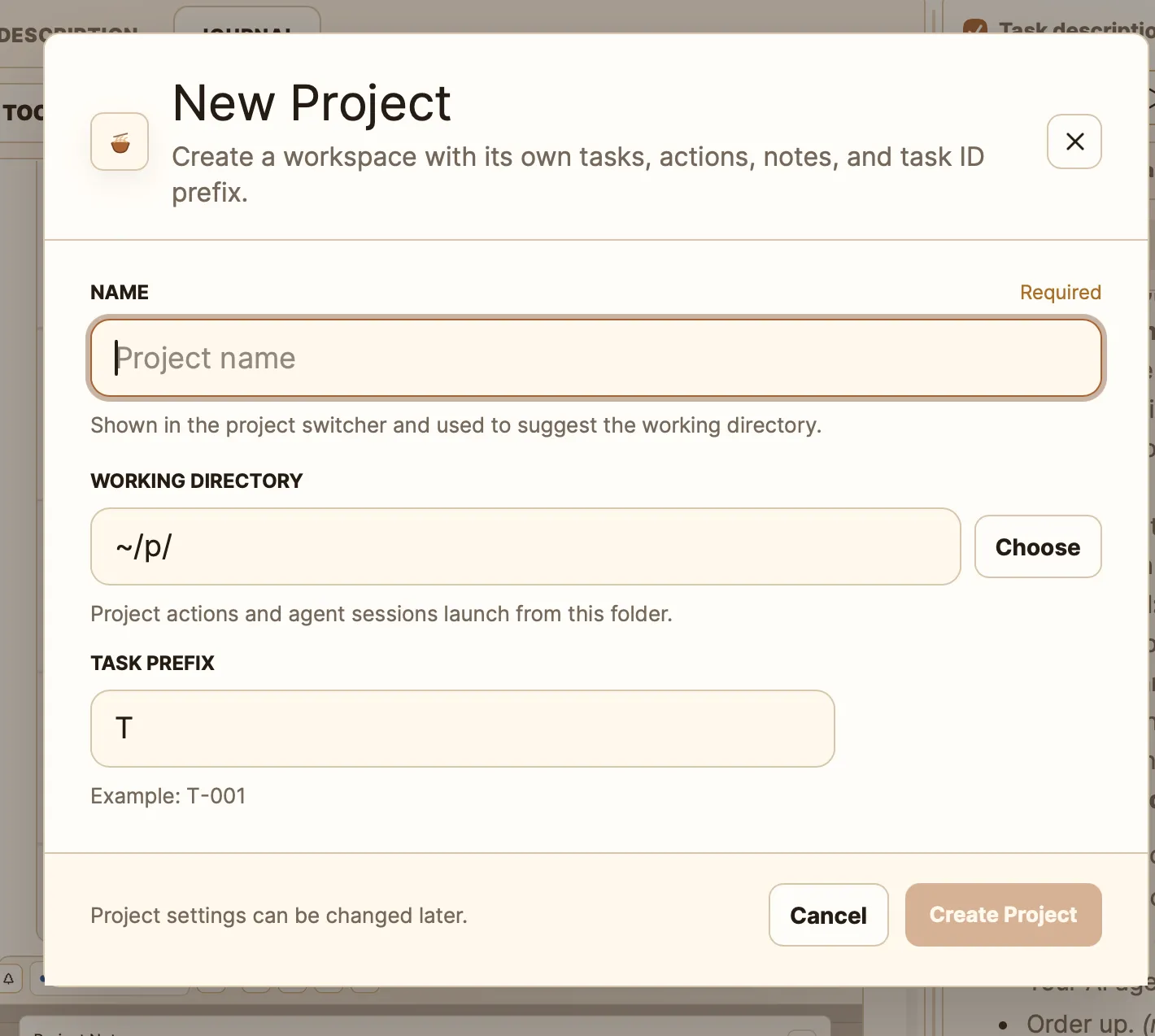
Open projects in a separate window, and run more than one project per folder
Subprojects combine different folders and contexts in one place
SEPARATE BURNERS
One click puts a task in its own worktree
Track what’s merged; commit and merge on the spot
Open a worktree in your terminal or IDE to inspect changes
Run that worktree’s dev site alongside the others
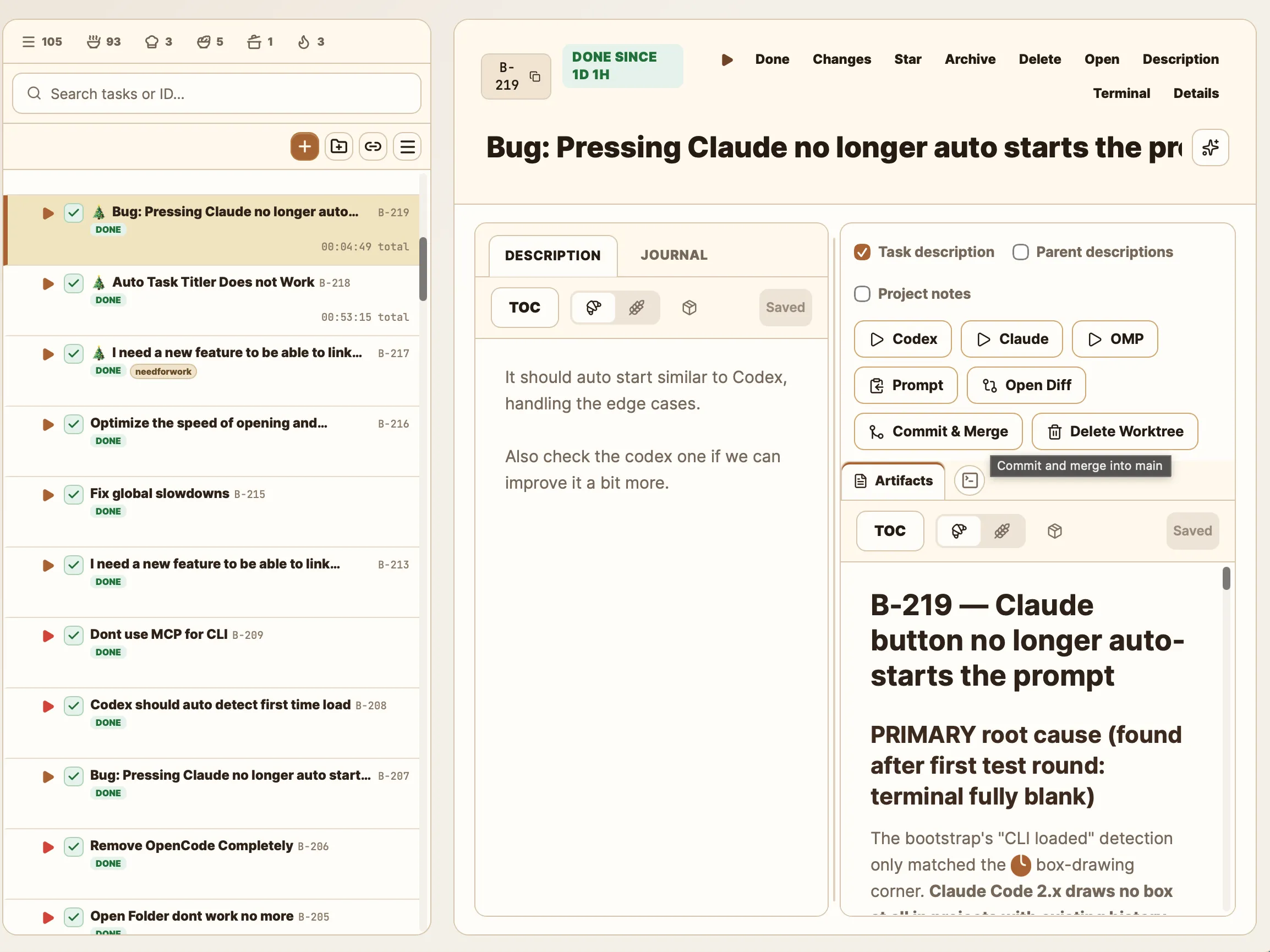
Built-in terminal plus MCP and CLI integration. Runs today’s coding agents, and the harnesses of the future.
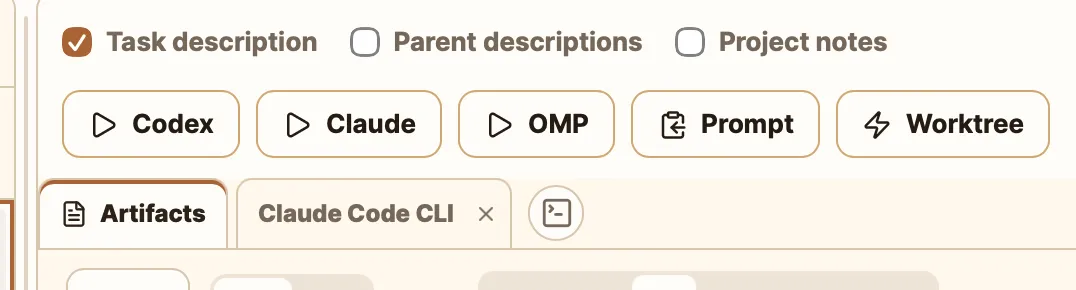
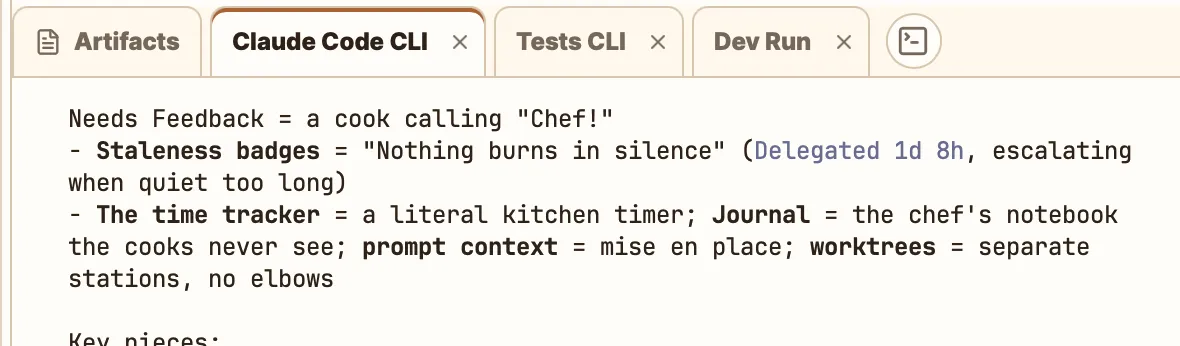
Open as many terminals as a task needs. Each one is attached to its task, so you always know which shell belongs to which piece of work.
Open a task’s worktree in Cursor.
Keep your current skills and dotfiles.
The built-in terminal runs mostly any CLI app.
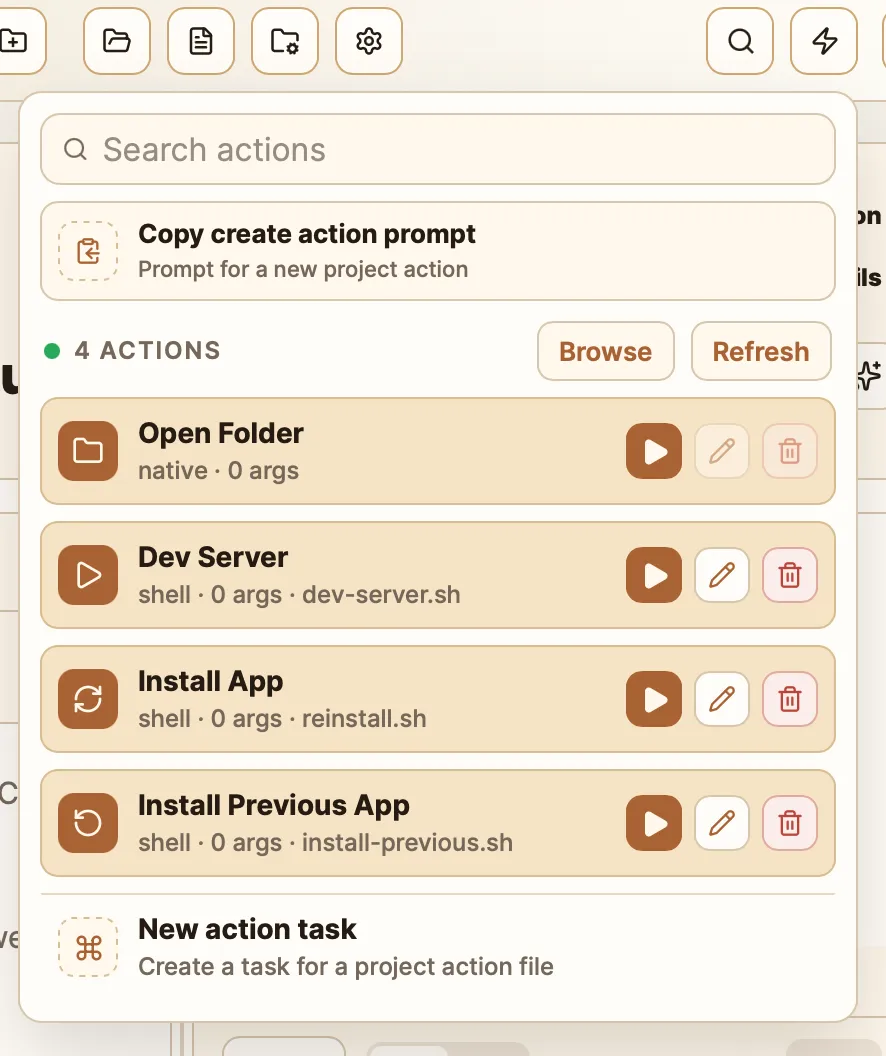
Run the dev site of your current worktree next to your other worktrees. Create custom actions for anything you repeat. The power is yours.
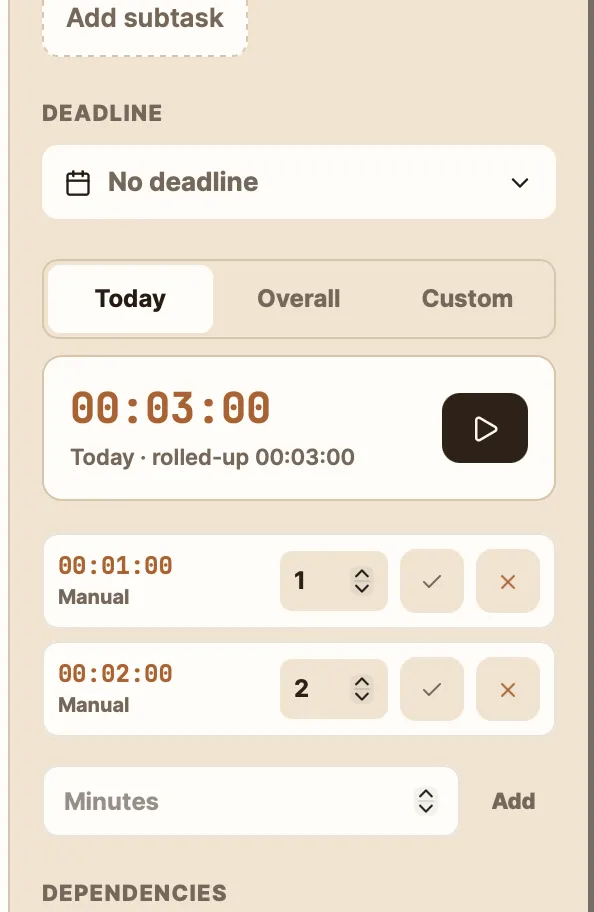
Find out whether prompting is actually faster than doing it yourself. Adjust tracked time or add manual entries. Subtask time rolls up automatically.
Actively developed — new features and fixes ship daily
Free, open source, MIT — built for you, by people like you. Completely agent-friendly code
TIME TO COOK
Line up a hundred tasks.
TaskCooker cooks them all.
Serve the masterpiece.
Ship it.
TaskCooker is free. If it saves your sanity, support development on Ko-fi.